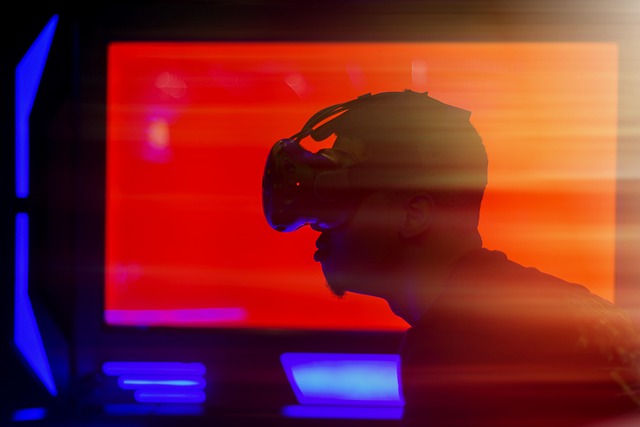
Connecting VR devices to the metaverse is an important step in creating a deeply immersive digital space where users don’t just interact with the interface, but feel like they are part of it. Modern virtual reality headsets, such as Meta Quest, HTC Vive, Valve Index, and others, allow for a high degree of immersion and become a logical interface for accessing the 3D world of the metaverse.
Before implementing VR support, it is necessary to decide on the technology stack. The most common solutions include game engines such as Unity and Unreal Engine, as well as web technologies that support WebXR, a standard that allows VR to run directly in a browser. The choice depends on whether the metaverse will be accessible via desktop, mobile headsets, or as a cross-platform solution.
WebXR is a key element for browser-based metaverses. It allows applications to automatically recognize a connected VR device and switch the interface to virtual reality mode. This is especially useful for Meta Quest, as it works as a standalone platform that does not require a connection to a PC. WebXR provides low-level access to sensors, controllers, and image display in the headset.
When using Unity or Unreal Engine, headsets are connected via specialized plugins or SDKs. For example, for Meta Quest, you can use Oculus Integration in Unity or OpenXR in Unreal. For Valve Index or HTC Vive, support is provided through SteamVR and OpenXR. These systems allow you to track head and hand movements, use controllers, and provide space tracking.
Along with hardware support, synchronization with the logic of the metaverse is also important. If the project is based on Web3, it is necessary to provide for user authorization via crypto wallets, uploading their personal data or avatars from IPFS or Arweave, displaying their NFTs, and implementing economic models — trading, renting digital objects, and rewards for activity. All of this must be integrated into the user VR interface, which requires special attention to UX design and performance.
VR interfaces have stricter requirements for animation smoothness and responsiveness. For a comfortable experience, it is necessary to ensure a stable frame rate (60–90 FPS), optimized 3D models, quick responses to gestures and movements, and an intuitive navigation system, such as teleportation or virtual menus. Special attention should be paid to privacy and security: in VR, it is easy to lose the sense of the boundary between personal and public, so it is important to implement encryption, access rights differentiation, and compliance with digital ethics.
Thus, connecting VR devices to the metaverse is not only a technical process but also a task that requires a comprehensive approach. It involves choosing an engine, hardware support, cross-platform compatibility, integration with Web3, and UX design. Properly implemented VR support transforms the metaverse from an abstract concept into a space where people want to be, explore, and interact.